Skip to content

Nook for Mac

Your notch.
Now a nook.

A little space for everything important: what's playing, what's next, and the files, colors, and to-dos you need right now.

Free beta · macOS 26 Tahoe · Apple silicon

Lives where you already look.

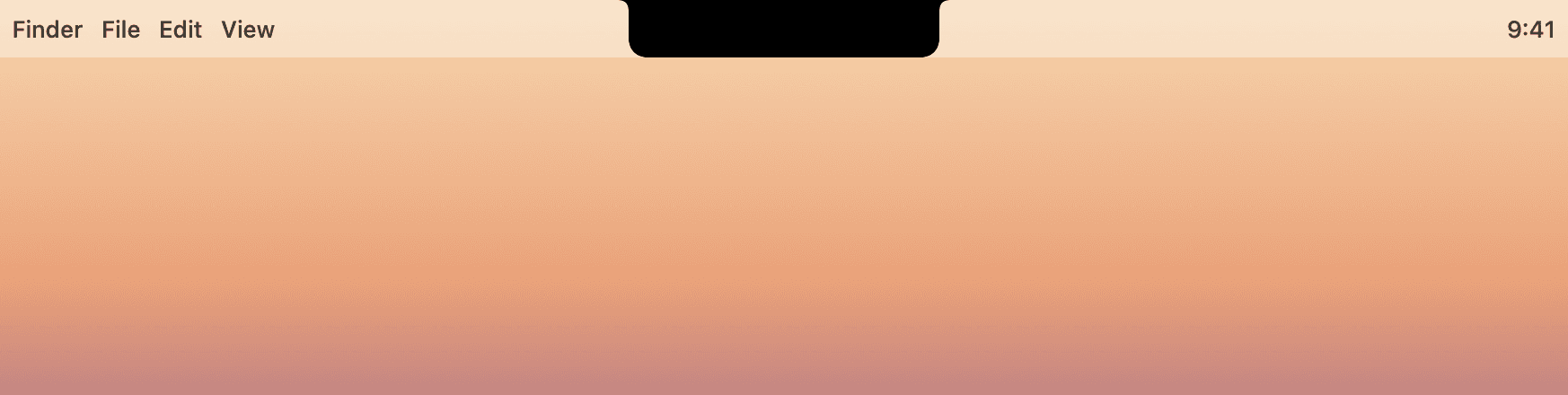
FigmaFileEditView9:41
Onboarding — v3
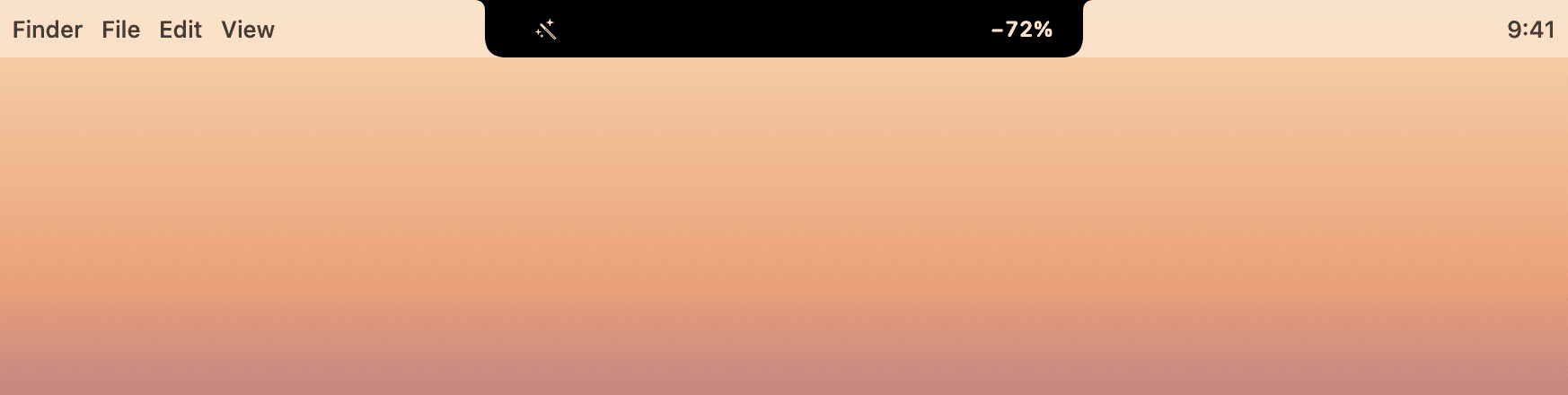
−90% AVIF
5 min
82%
24:12

Tap the notch to open it.

  1. 01

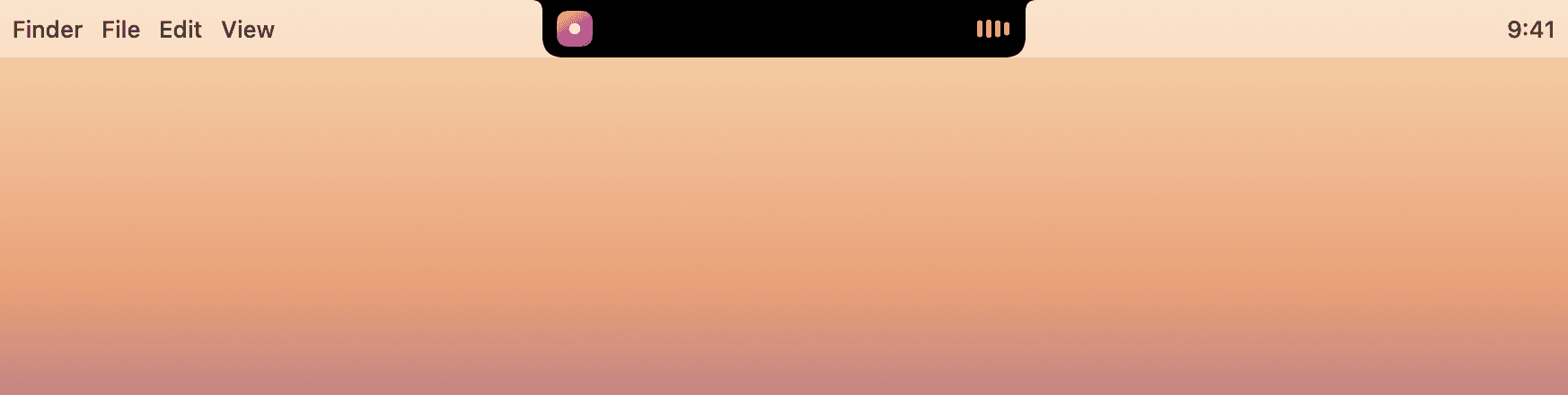
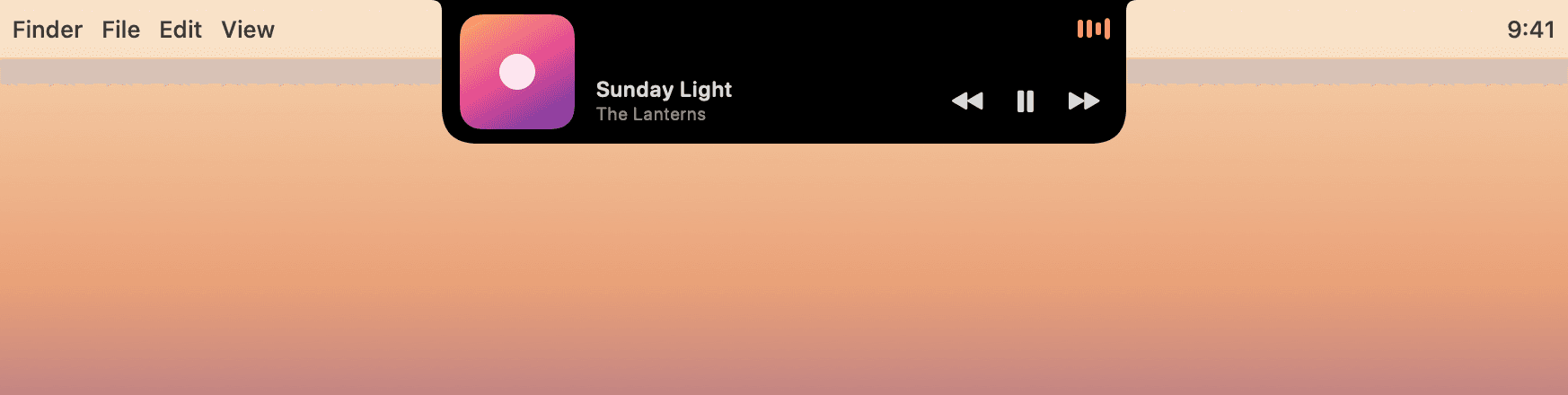
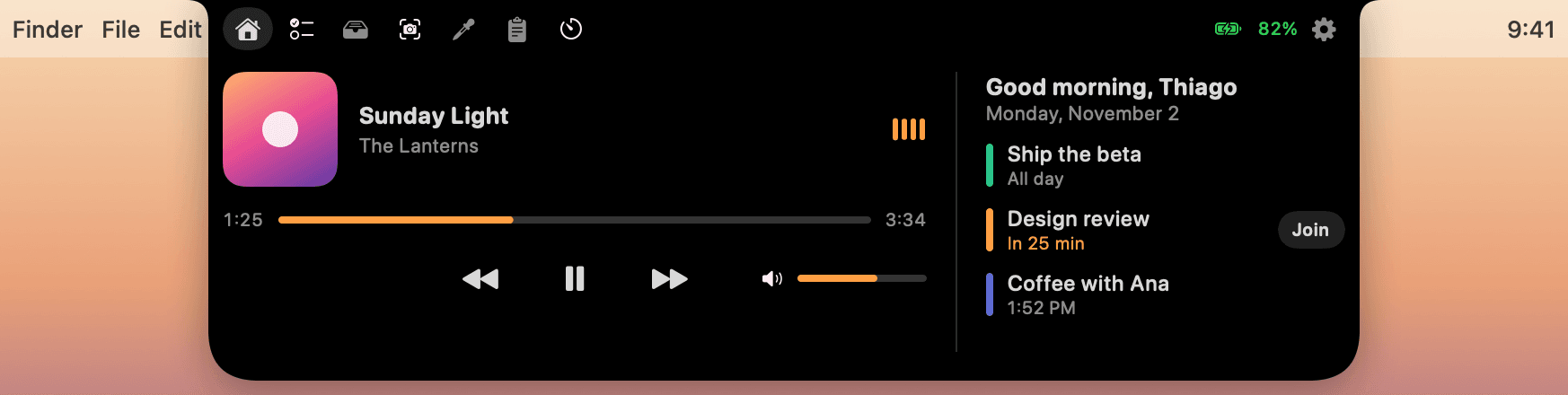
    Music from any app.

    Spotify, Music, Podcasts, or a video in your browser. The cover sits beside the notch and grows into a player when you rest the pointer there.

  2. 02

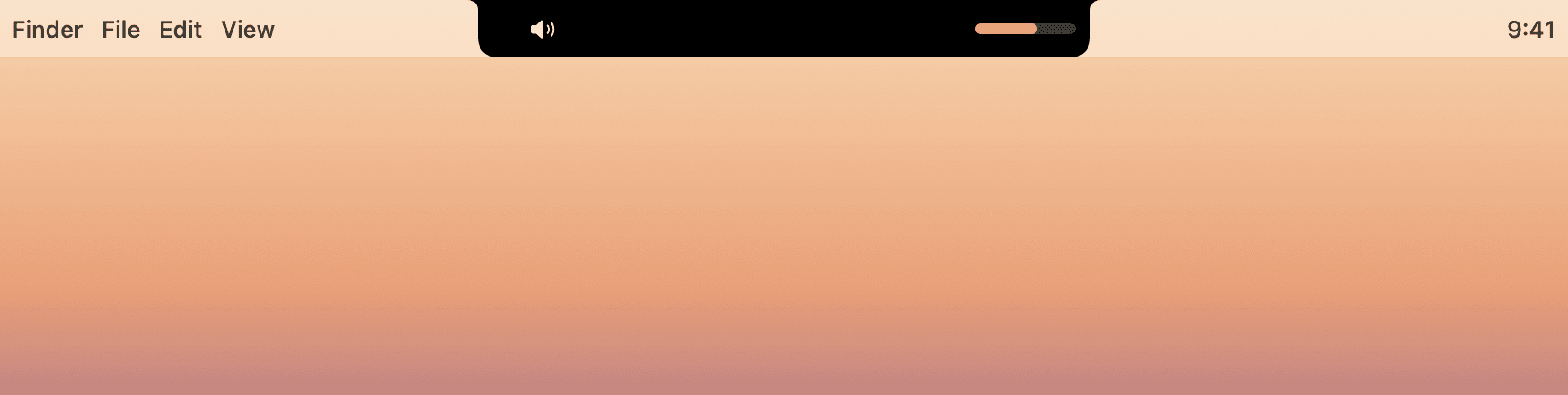
    Volume, without the bubble.

    Press a volume or brightness key and the level slides out of the notch, instead of a big bubble in the middle of your work.

  3. 03

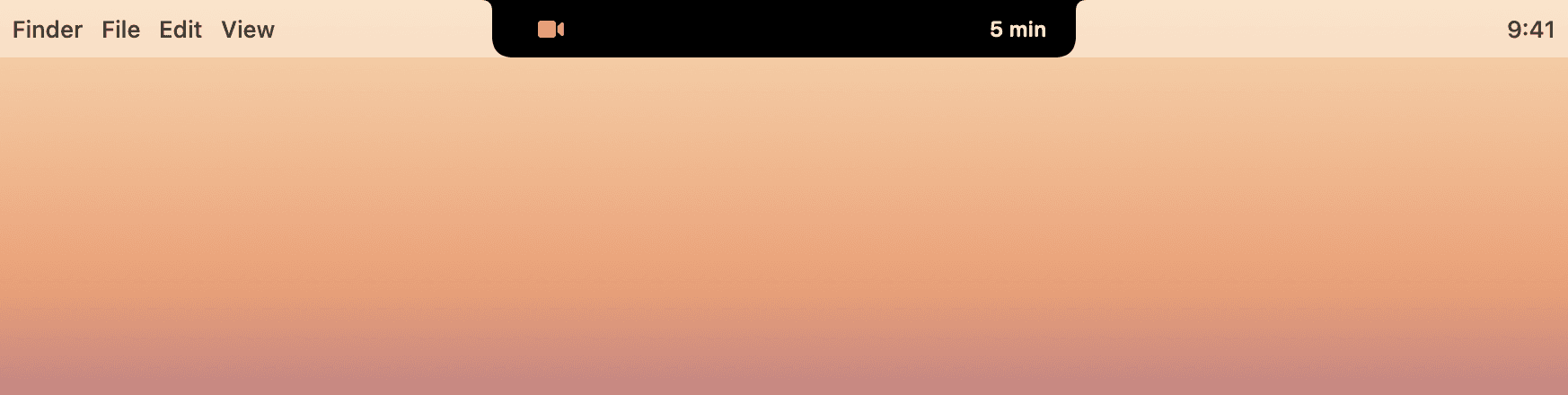
    Ten minutes' notice.

    Your next event counts down right beside the notch. When it's a call on Zoom, Meet, or Teams, Join is one click away.

  4. 04

    Hello, AirPods.

    Connect them and their battery appears for a moment, exactly where you're already looking.

  5. 05

    Focus, out of the way.

    A quiet ring counts down your focus session, with a soft chime when it's done.

  6. 06

    Everything, one hover away.

    Rest the pointer on the notch and Nook opens: now playing, your day, and six more tabs of tools.

  • Now playing
  • Volume
  • Brightness
  • Calendar
  • Join calls
  • AirPods
  • Shelf
  • Optimize
  • Convert
  • Color
  • Contrast
  • Screenshots
  • Recording
  • Markup
  • Clipboard
  • To-do
  • Focus

No mockups here.

Straight from the app.

Every state below comes from Nook itself, rendered by the app with sample music and events, not drawn for this page.

Nook, quiet

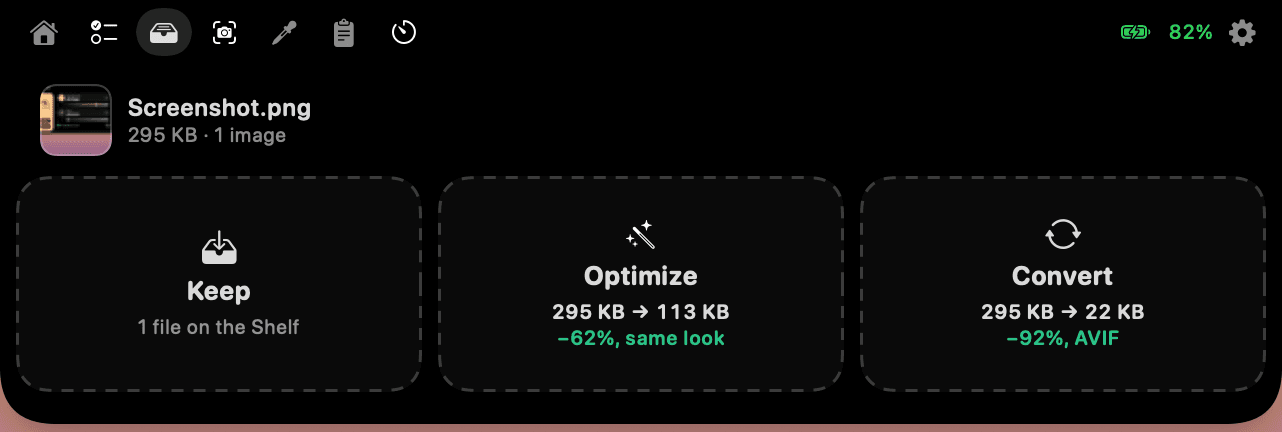
Drop files on the notch.

Smaller files.
Same look.

295 KB

A real 295 KB screenshot of Nook itself. Before you let go, Nook has measured it against the original and found the smallest file that still looks identical.

as AVIF
−0%
as AVIF
visually identical
as WebP
−0%
as WebP
visually identical
lossless WebP
−0%
lossless WebP
every pixel the same
Nook's drop zones while dragging a screenshot: Optimize 295 KB to 113 KB, Convert to AVIF 22 KB

JPG, PNG, WebP, AVIF, HEIC. Videos as HEVC or WebM. Originals are never touched.

A tiny studio, one hover away.

Color

A contrast checker that fixes what fails.

Pick colors anywhere on screen. See AA and AAA for normal and large text, painted in your colors. One click finds the nearest shade that passes.

#C8C8C8 → #767676
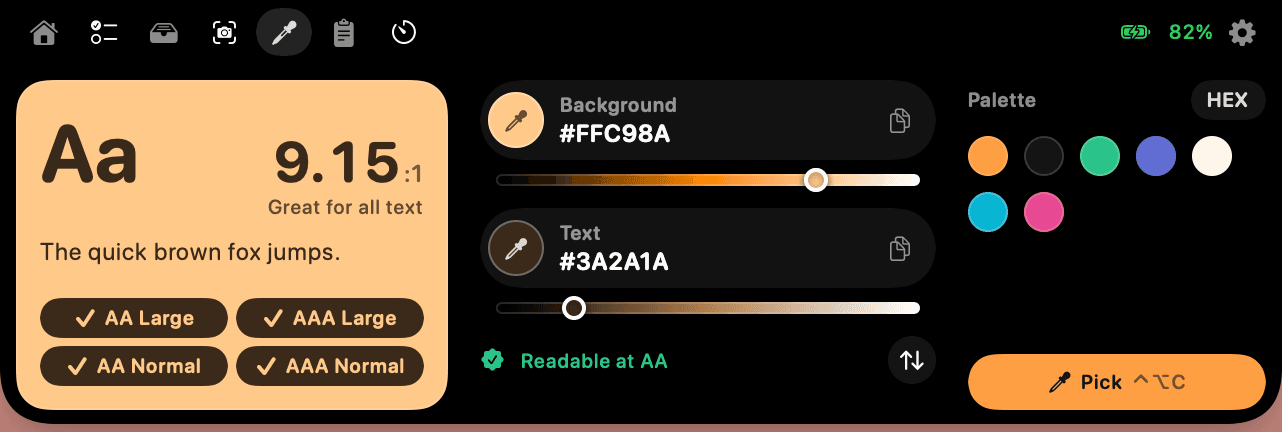
The Color tab: contrast preview, Background and Text rows with lightness sliders, and a palette

Shortcuts

Works in every app.

⌃⌥C

Pick a color. A, W, S for screenshots, R to record, T to copy text, D to add a to-do.

Capture

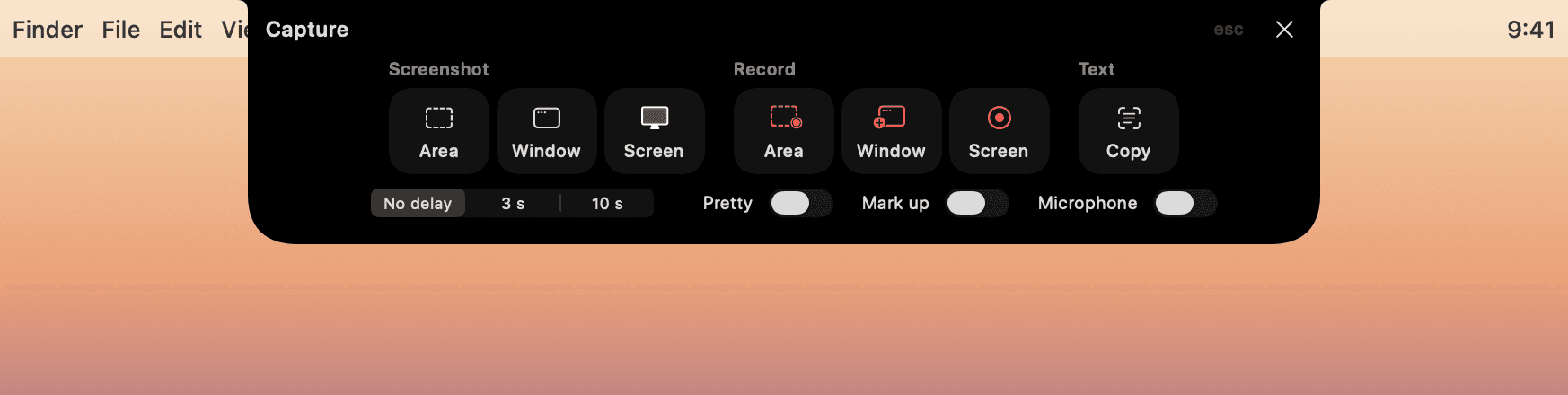
Screenshots, recordings, text.

An area, a window, or the screen. Pixelate what's private.
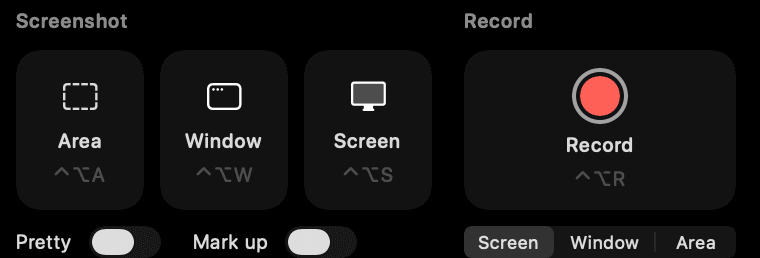
The Capture tab: screenshot an area, window, or screen, or record

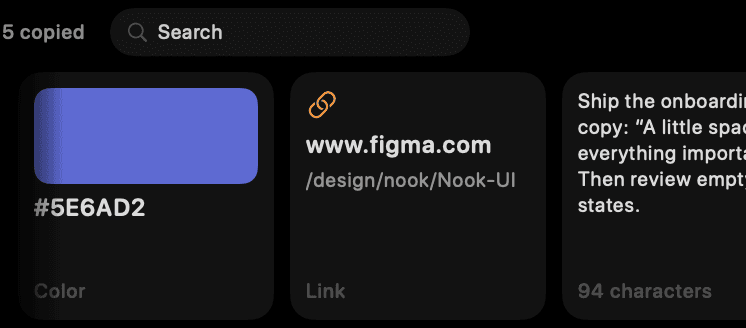
Clipboard

What you copied, one click away.

Clipboard history: a color, a link, and a note, with search

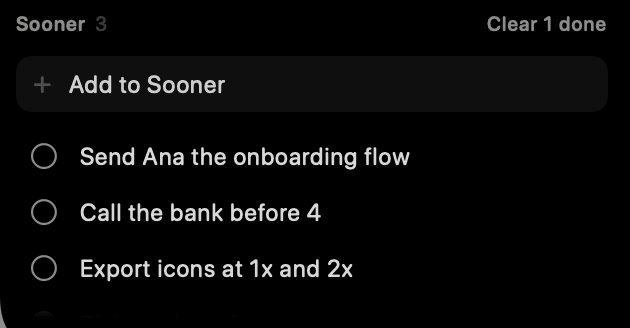
To-do

Sooner, and Later. Nothing else.

The Sooner list with three to-dos and a field to add one

Markup

Arrows, boxes, highlights, words.

Every screenshot can open in Markup, then lands on the Shelf, ready to drag into Figma or Slack.

Fast is a feature.

<300 ms

every animation, tuned by how often you see it

~0%

CPU while it waits for you

Everything stays on your Mac.

No account, no tracking, no cloud. Files are optimized on your Mac and originals are never changed. Passwords from password managers never enter the clipboard history.

Try Nook today.

Nook 0.1 beta · macOS 26 Tahoe · Apple silicon · 2.2 MB

  1. 01

    Download

    Unzip Nook 0.1 beta and drag it to Applications.

  2. 02

    Open

    macOS can't check the beta yet, as it isn't notarized. Click Done.

  3. 03

    Allow

    In System Settings › Privacy & Security, click Open Anyway.

  4. 04

    Hover

    Rest the pointer on the notch. The welcome window does the rest.

Privacy & Security › Security

“Nook” was blocked to protect your Mac.

Open Anyway
Step 3: the button to click, once. Nook 1.0 won't need it.

Hear when 1.0 launches.

Signed and notarized by Apple, with automatic updates. One email when it's ready. Nothing else. Privacy

Questions, answered.

Which Macs does Nook run on?
Macs with Apple silicon on macOS 26 Tahoe or later. On a MacBook it lives in the notch; on other displays it becomes a small pill.
Why does macOS warn me the first time?
The beta isn't notarized by Apple yet, so macOS asks you to confirm once in Privacy & Security. Nook 1.0 will be signed and notarized.
Is it free?
The beta is. Pricing for 1.0 will be shared before launch, and everyone on the list hears first.
What does Nook ask permission for?
Screen Recording for screenshots and recordings, Accessibility for the volume and brightness keys and for pasting, Calendar for your agenda, Camera for the mirror, Microphone for your voice in recordings, Bluetooth for AirPods. Each one is optional, and Settings › Permissions shows them all in one place.
Can it make WebM videos?
Yes, once ffmpeg is installed with Homebrew (brew install ffmpeg). Without it, Nook offers HEVC and MP4 and leaves WebM out of its menus.
Does it change my files?
Never. Optimized and converted copies are saved next to the original, and only kept when they're actually smaller.
How do I uninstall it?
Quit Nook from its menu bar icon and move it to the Trash. Its data lives in ~/Library/Application Support/Nook.

What's new

  1. 2 November 2026

    Capture, Markup, and the Shelf

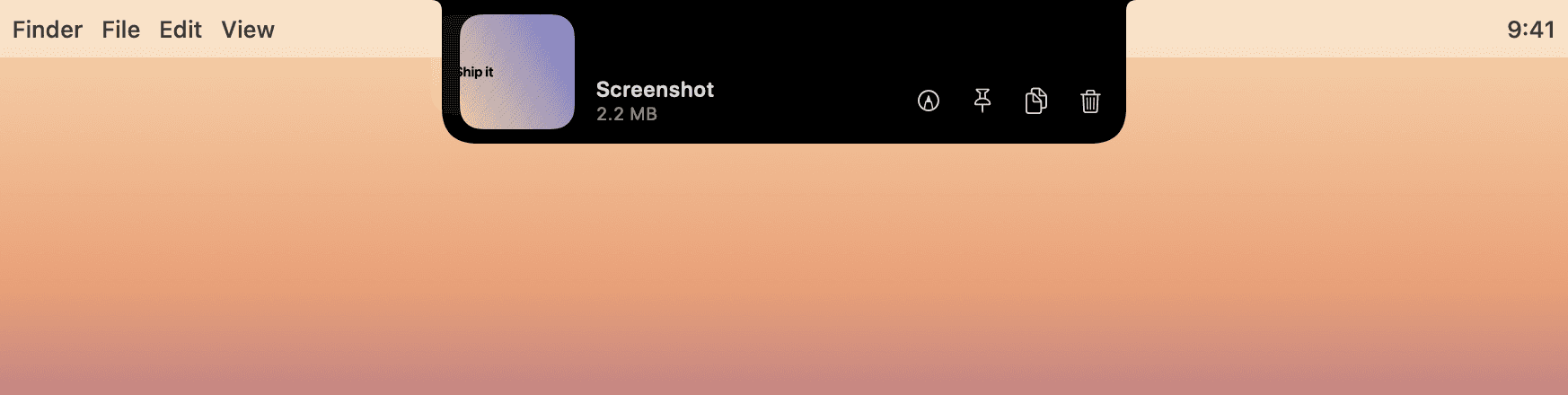
    • A capture bar (⌃⌥5) for screenshots, recordings, and text, with a preview after each one
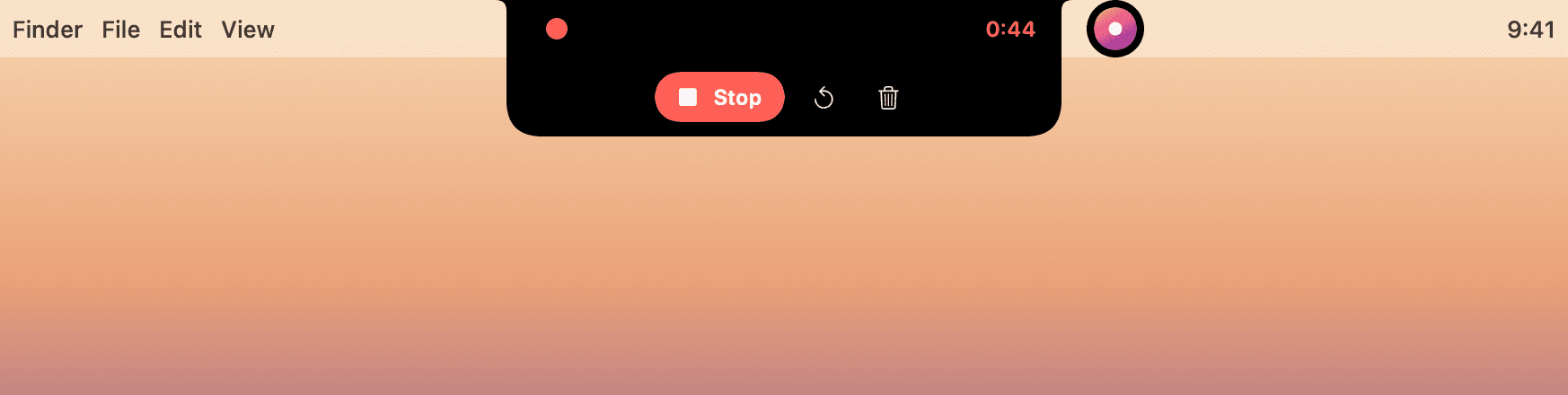
    • Stop, Restart, or Discard a recording from the notch
    • Markup: pick, move, and recolor marks, crop, numbered steps, and redo
    • The Shelf: previews, filters, sort, search, a list view, and Quick Look
    • Join calls, pick which calendars show, and add Outlook from Settings
    • A mini player when you rest on the music
    • nook:// links for Shortcuts, Raycast, and Stream Deck
    • Every permission in Settings › Permissions
  2. 1 November 2026

    To-dos, polished

    • Undo, full keyboard control, and a glance beside the notch
    • A volume slider in the player
  3. 31 October 2026

    First beta

    • Music from any app, volume and brightness, calendar heads-ups, AirPods, and Duo
    • A Shelf with drop zones that show real results before you drop
    • Smaller files that look identical: WebP, AVIF, HEIC, HEVC, WebM
    • A contrast checker, screenshots with Markup, recording, clipboard history, a focus timer, and Sooner and Later to-dos